Let ChatGPT Remember What Claude Said

one memory for all your ai tools
ChatGPT ChatGPT
Claude Claude
Cursor Cursor
Manus Manus
Windsurf Windsurf
Get Started
ChatGPT ChatGPT
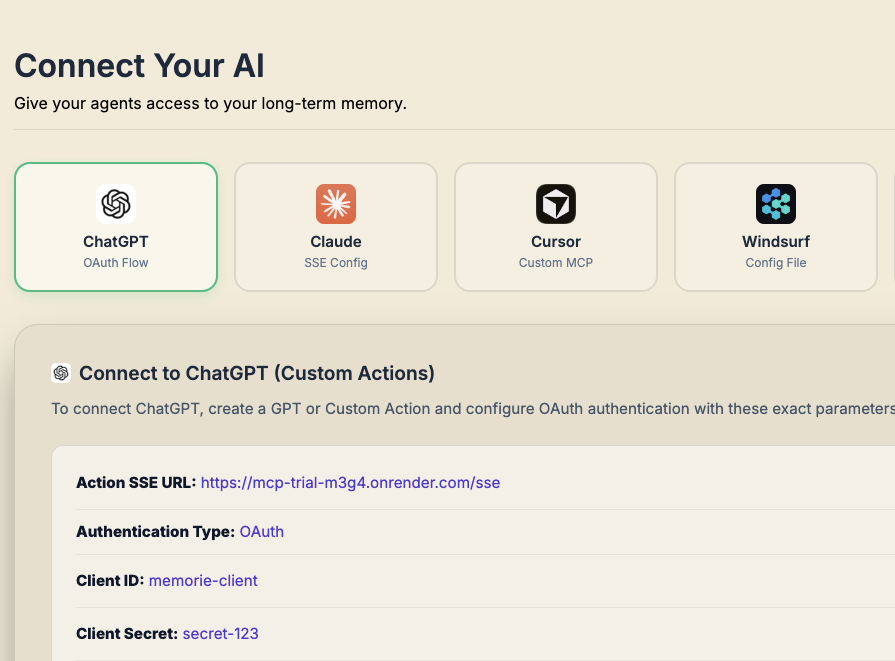
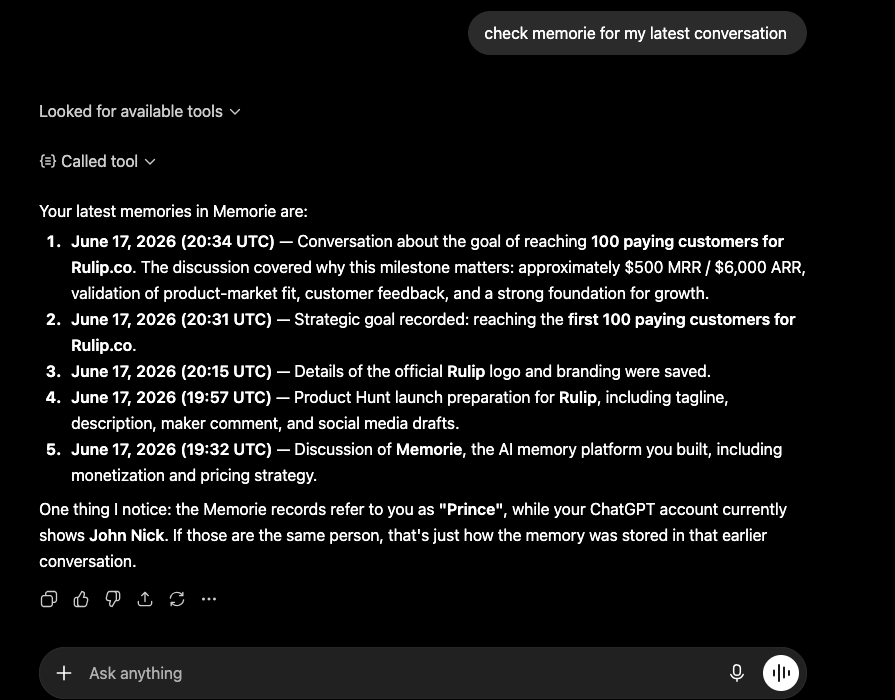
ChatGPT Integration
Connect Your AI

Connect your AIs seamlessly

Instantly sync your long-term memory across all major AI tools and IDEs. Give ChatGPT, Claude, Cursor, Windsurf, and Manus a unified context to remember everything you do.

Connect Now (2 mins setup)

Portable memory. Carry it with you across platforms.

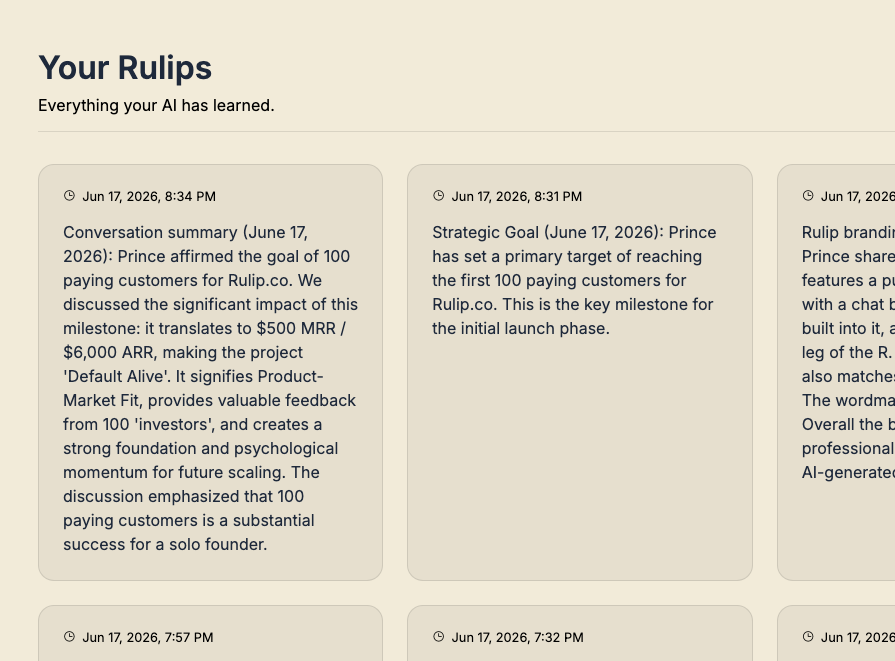
All memories saved by your AI assistants are stored securely in one central dashboard. Access, search, and manage your long-term context from anywhere, at any time.

Start Organizing
Portable Memory Dashboard
ChatGPT ChatGPT
ChatGPT Integration
Claude Claude
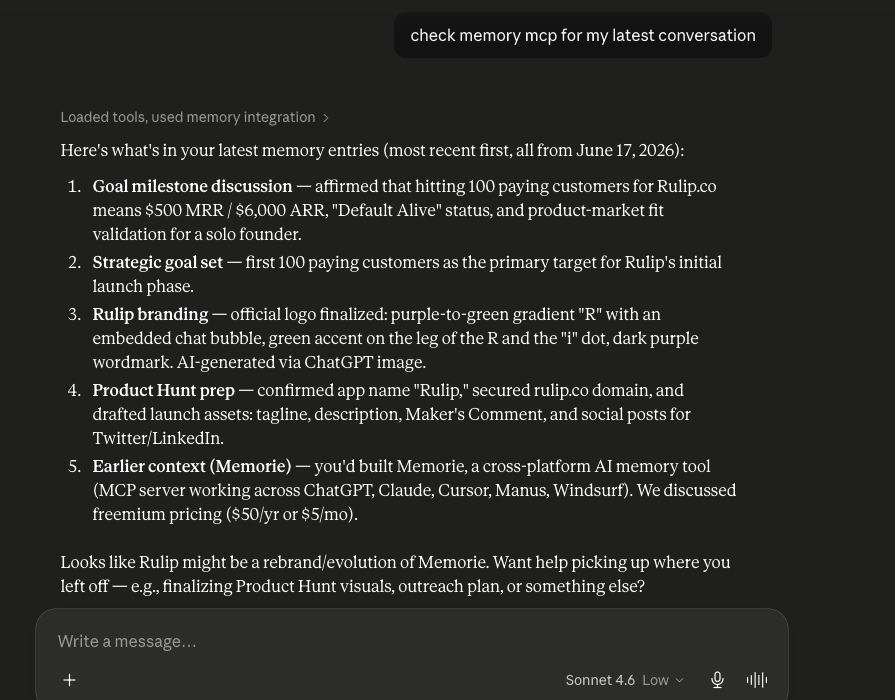
Claude Integration

never lose context when you switch platforms

How It Works

Syncing memory across all your favorite AI assistants is simple, quick, and powerful.

1

Add Connectors

Go to settings in your AI client, click Add MCP Server, and input your Rulip connection details.

Type: SSE
URL: https://rulip.com/sse
2

Test Activation

Verify your connection by sending a quick prompt to confirm your assistant can interact with Rulip.

User: save_memory: test connection
AI: Connection active!
3

Save & Sync

After every chat, simply tell the AI to save key details. They instantly sync across all your tools.

User: Remember I like light theme.
AI: Memory saved successfully!

Frequently Asked Questions

Everything you need to know about Rulip and how it gives persistent memory to your AI assistants.

Rulip runs as a lightweight, secure local server and exposes a standard Model Context Protocol (MCP) server. You can add it directly to ChatGPT, Claude, Cursor, Windsurf, or Manus. It automatically captures and saves context, allowing you to access it from any other platform.
Yes, absolutely. Your data is stored securely in your private account and is encrypted in transit and at rest. We never share your data or use it to train models without your explicit consent.
Out of the box, Rulip supports ChatGPT (web), Claude (web/desktop), Cursor (IDE), Windsurf (IDE), and Manus. Any tool or client that supports Model Context Protocol (MCP) can connect to Rulip.
Yes. Rulip provides a centralized web dashboard where you can view your active memories, perform full-text search, edit logs, and manage active connections.
No! You can start using Rulip for free. The free plan includes full access to local integrations, basic memory storage, and dashboard access.

Give all your AIs one memory to remember across platforms.

one memory for all